
How to Search Civil Dockets
Which clerk holds the file depends on the court level. District civil and family cases belong to the Blanco County District Clerk. The Blanco County Clerk keeps county civil work, plus probate, guardianship, and mental-health matters. Small claims and lower-dollar civil cases may land in JP1 or JP4. Start at the official clerk page for the court you have identified. The County Clerk links TexasOnlineRecords.com as its court-online search. The District Clerk offers a terminal, a record-request route, and a historical index. Gather the party name, cause number, filing date or range, and case type. Then search. No result? Check the county and court filter again. Reach the clerk by phone, at the counter, by email where offered, or by mail. A clerk can tell you whether the file is held there. The clerk can quote copy costs too, though legal advice is off the table. The temporary office map matters here too. During courthouse renovation, both elected clerks are listed at 101 E Cypress in Johnson City. The District Clerk's usual reception-area terminal is unavailable at the temporary Annex. The office sends public users to the County Clerk's terminal for login information. Call before you drive over. The historic Blanco courthouse is not the current records counter.
- Identify district, county, probate, family, or justice court.
- Search the court's official route by party or cause number.
- Match the case type, filing date, and court before opening it.
- Review the public event list and next setting.
- Request the needed filing, order, or certified judgment from its clerk.
Blanco Civil Clerks Compared
The word "county" trips up a lot of searchers. A case filed geographically in Blanco County can still be a district matter kept by the District Clerk, while a case in the constitutional County Court sits with the County Clerk. Justice courts keep their own civil dockets. So read the court title, not just the county name. Habit can also route probate, guardianship, and mental-health matters to the wrong desk, since those belong with the constitutional County Court as described, not the District Clerk. The District Clerk, in turn, maintains district family filings and records for both district courts. A pleading that names the 33rd or 424th Judicial District Court settles the custody question right away, even though those courts exercise concurrent jurisdiction in Blanco County.
| Matter | Likely custodian |
|---|---|
| District civil or family | Blanco County District Clerk |
| County civil or probate | Blanco County Clerk |
| Small claim or eviction | JP1 or JP4 clerk |
Clerk split: this division controls both the search channel you use and the office able to certify a copy.
What a Civil Docket Shows
Read a Blanco County civil docket as an event index. It may list the cause number, case type, filing date, parties, filed pleadings, service activity, motions, settings, orders, and disposition. One caution: public results can omit a protected document even when its event shows up. Write down the exact cause number you see. That is the clearest key for a clerk request.
| Cause number | The local identifier, copied exactly as shown by the court. |
|---|---|
| Case type | Civil, family, probate, guardianship, eviction, or small claim. |
| Events | Petitions, answers, service, motions, settings, and orders when public. |
| Status | Pending or disposed status as the system currently reports it. |
| Documents | Links or availability notes, subject to access restrictions and fees. |
Blanco JP Small-Claims Path
Blanco County JP courts hear civil matters within their published jurisdiction. JP1 sets a civil limit of $20,000. JP4 describes small claims at no more than $20,000, excluding statutory interest and court costs, and its page publishes a $54 filing fee, $8.45 certified-mail service, and $80 constable service in the county. Verify each amount before filing, because schedules can change. JP4's process does not stop at judgment. Its instructions cover a 21-day appeal period, appeal bonds, an abstract of judgment filed with the County Clerk, and later writ steps. Every stage can add a docket entry. Those details help explain the record, but the court's current instructions and Texas law control any deadline.
Types of Civil Cases on the Docket
Jurisdiction and subject divide Blanco County's civil work. District courts handle general civil and family matters. The constitutional County Court takes civil matters within its legal limits and serves as the route for probate, guardianship, and mental-health proceedings. Justice courts handle small claims and eviction filings in the proper precinct. Check the docket label before sending any request.
- General district civil disputes
- Family and divorce matters
- County civil and probate cases
- Guardianship and mental-health matters
- Small claims and evictions
Blanco Family Filing Tools
The District Clerk's official forms list covers a pro se notice, an agreed-divorce checklist, a family standing order, income-withholding material, a record of support, and BVS information for SAPCR or divorce. Go to the official District Clerk page first. Do not rely on an older copy. The office warns that the forms are being updated, and it gives an email route for a missing form. eFileTexas is mandatory for attorney filings in district and county civil, family, and probate cases. Remember that it is a filing channel. Submitting papers there is not proof that every document is open to public view.
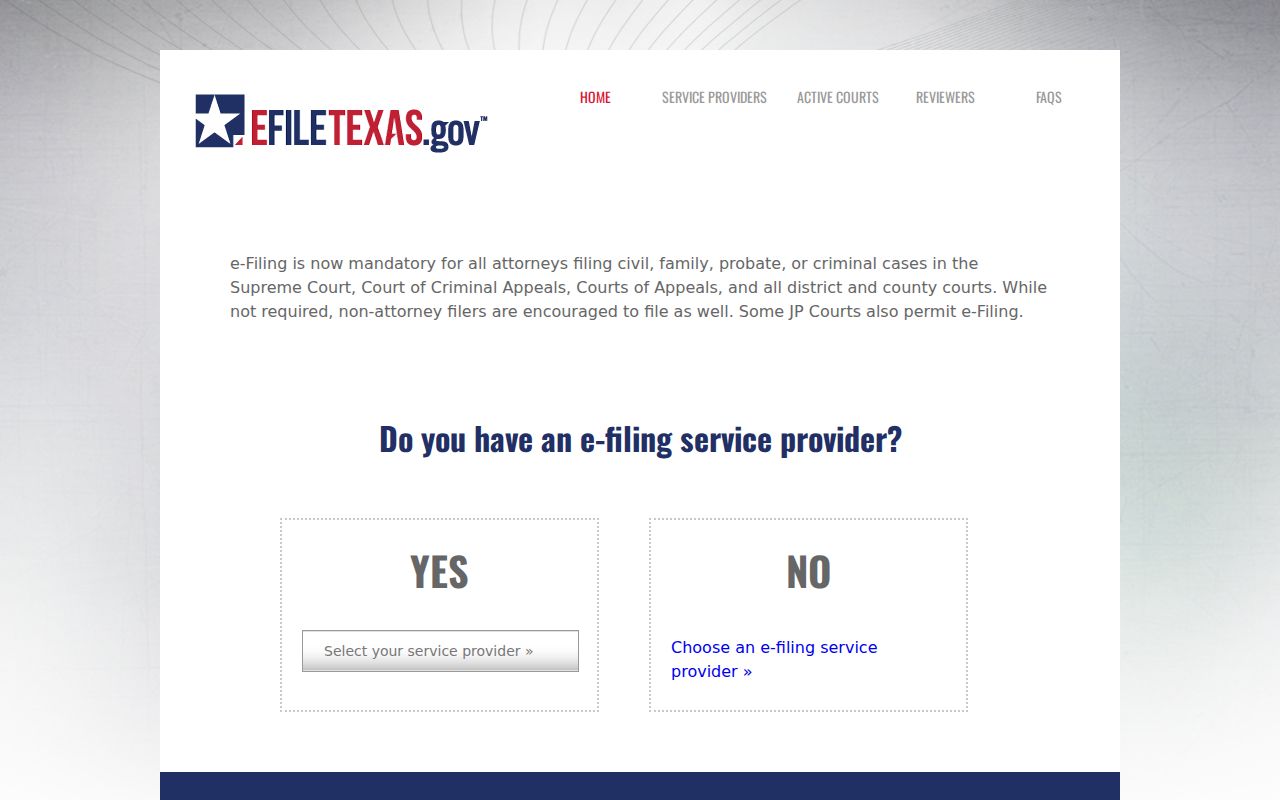
The filing system marks where papers enter the court. A docket or clerk request shows what may be viewed afterward.
Settings and Hearings on Civil Dockets
Two district courts handle Blanco County civil settings: the 33rd and the 424th. Both serve four counties and share jurisdiction here. Their standing information puts each hearing in the county where the case was filed, unless an order says otherwise. Confirm the filing county, the court number, the date, the time, and the current room. Do that before you drive anywhere. Renovation work is disrupting county offices right now, which makes that extra check worth the phone call.
A reset or continuance only moves a setting. The case itself stays open. Look at the most recent Blanco County docket entry, the scheduling order, or a confirmation from the clerk. Do not rely on any date before that. The Blanco County court calendar breaks down how local setting formats differ from court to court.
Request a Blanco Civil Copy
If the online index does not surface the filing you need, write to the right clerk. Keep the request tight and specific. Name the court, the cause number if you have it, the case type, the date range, the exact docket or document, your delivery preference, and whether the copy must be certified. Fees are published. Expect a $5 clerk search, $1 for the first ten emailed pages from a specific case plus ten cents for each later page, $1 per printed page, and $5 certification added to the page charge. That adds up fast on long filings, so narrow the ask.
The District Clerk's official request form gives you the written route. Use it for exactly this kind of copy order.
The form image reinforces why a precise case type and record description save time.
Blanco Civil Search Pitfalls
The County Clerk's page links court services and property services side by side. Don't confuse them. A real-property search is not a Blanco County civil docket search. Start at the clerk's official page instead. Pick the court-online link, and confirm any result actually belongs to Blanco County. Until the search opens, assume nothing about which fields or documents TexasOnlineRecords will expose.
re:SearchTX adds a second layer. Its official guide covers keyword searching and filters. Case and filing views are there too. So are hearing results, exports, and saved searches for available Texas cases. Coverage varies by county, though. eFileTexas credentials may get you in, but remember what eFileTexas is: the filing system itself. A submission receipt is not the public docket. A blank search is not proof the case does not exist.
The District Clerk's Kofilfe-linked historical collections serve a different need entirely. They hold civil and criminal minutes from 1876 through 1959 and civil minutes from 1959 through 1991. The books also include an execution docket from 1939 through 1966. Naturalization records run from 1867 through 1927. A post index runs from 1991 through 1997. For genealogy or old title research, those fixed books earn their keep. They are not a current index of live Blanco County civil cases.
Keep a log as you move between these systems. Write down the exact spelling you searched and any cause number. Note the court and case type you selected. Add the date range and whether a document image actually opened. Save the official county page that supplied the vendor link. Suppose TexasOnlineRecords.com or re:SearchTX returns nothing. Hand those details to the District Clerk, the County Clerk, or the JP clerk. That record lets the office retest your assumptions. One empty portal screen is not proof that no Blanco County civil case exists.
Public Access to Civil Dockets
A public docket entry and a public attachment are two different things. Family, probate, guardianship, mental-health, support, and protective-order files can all contain protected data. The clerk may release the event or setting on the docket while redacting or withholding the underlying filing. Ask which part is public. Ask whether a certified copy is available.
You can also walk in. The District Clerk advertises a public terminal, but the county's renovation notice affects where it can be used, so call first. Mail works too. The District Clerk receives requests at P.O. Box 382 and the County Clerk at P.O. Box 65, both in Johnson City, Texas 78636. Keep a broad request lean: ask for a cost estimate up front, and leave out sensitive facts the office does not need.
Texas access rule: Texas Judiciary policy explains that the Public Information Act is not the ordinary route for judicial case records. Rule 12 concerns judicial administrative records and excludes case records governed by other law. Send a case-file request to the clerk that holds it.