
Searching Cases by Name
A name search goes more smoothly once you know the court level. For county court records, the Blanco County Clerk points the public to TexasOnlineRecords.com. The District Clerk handles the heavier caseload: district civil, family, felony, and juvenile files all route through that office. Justice court citations run through GovRec, and City of Blanco citations go through a municipal channel. Don't mix any of these up with the County Clerk's property-record portal, which covers deeds and land records rather than court cases.
- Read the citation, pleading, or notice to identify the issuing court.
- Open the official county or court page before following its vendor link.
- Enter the filed last and first names, then narrow by case type or date if offered.
- Compare the cause number, court, filing date, and party style.
- Contact the correct clerk if no match appears.
Plan to confirm the TexasOnlineRecords search fields when you land on the form, since its requirements are set there. GovRec is easier to pin down. The JP1 materials let you search by citation number, or by name plus date of birth.
| Field Label | Type | Required | Notes |
|---|---|---|---|
| Name | Text | Route dependent | Use the spelling in the filed record. |
| Date of birth | Date | GovRec name route | Used with a name for JP citations. |
| Citation number | Identifier | Alternative | Direct route for a known JP citation. |
| Case type or court | Filter | Not captured | Confirm live options before relying on them. |
Blanco County Case Search Portals
Who runs the portal matters. TexasOnlineRecords is the advertised court-search destination for the County Clerk. GovRec handles JP citation searches and full online payments. FastGovPay serves City of Blanco citations. The official re:SearchTX portal adds a statewide layer for participating records, but overlap does not make these systems interchangeable.
Begin at an official court page, not a vendor landing page that may serve more than one place or record type. Before trusting a result as the right docket, confirm it matches Blanco County, the named court, and the expected case class.
For a look at the separate JP route, the GovRec page covers its own citation search and payment options.
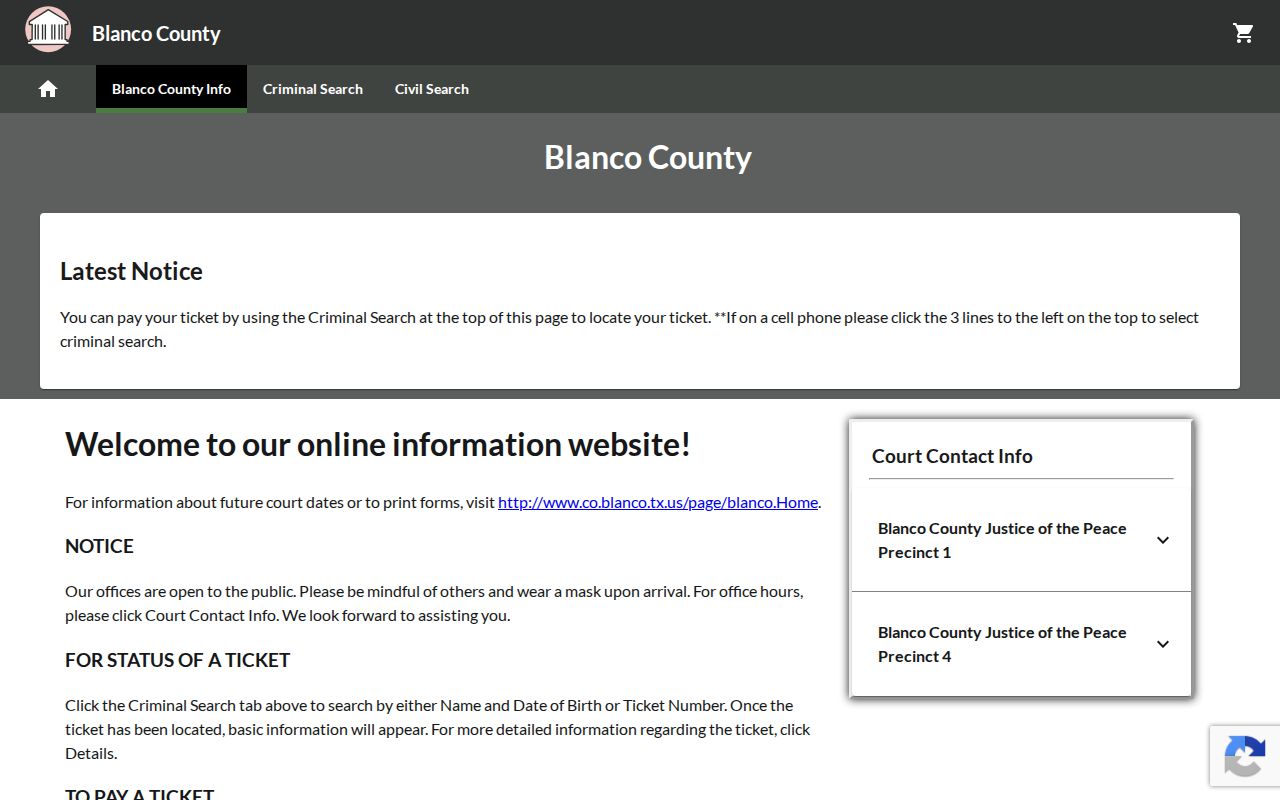
Its citation and name paths belong to justice-court matters, not every Blanco County case.
Searching by Case Number
Pull the cause number straight off your notice or pleading. Type it in exactly as printed. Local samples use labels like "Cause No." or "Case Number," and traffic records may say "Citation No." Traffic records may say "Citation No.", actually, drop the duplication; see final text below. There is no single universal format. Resist the urge to add punctuation or invent a year code. Enter THE NUMBER AS FILED, leading zeros included. Then send it to the right office. A district cause number goes to the District Clerk or a participating statewide result. County misdemeanors and probate numbers belong with the County Clerk. A citation number goes back to the named JP or municipal court.
Blanco County Statewide Case Search
re:SearchTX lets registered users search cases, filings, documents, and hearings across participating courts. Its guide walks through keyword searches, filters, saved searches, exports, and separate case, filing, and hearing views. Registration is open to anyone, and existing eFileTexas credentials also work. One limit matters here. The Office of Court Administration reports that criminal case records are left out of the statewide document collection. So a blank criminal result does not mean Blanco County has no case. For felonies, ask the District Clerk; for county misdemeanors, the County Clerk; for a citation, the named court.
eFileTexas Is Not Case Search
eFileTexas moves filings into the courts through approved service providers. That is its whole job. Attorneys must use it for district and county civil, family, probate, and criminal filings. Non-attorneys are encouraged to use it where allowed. Filing access does not guarantee public access to every docket entry or document. The same login can open re:SearchTX. The two products do different work. Submit an authorized filing through eFileTexas. Find available case information through the clerk, a local record portal, or re:SearchTX. Confirm acceptance and the official docket with the filing court itself.
Blanco Case Search by Court
Blanco County splits its case records by court, so the same name can return different results on different portals. The District Clerk serves the 33rd and 424th District Courts for cases filed in the county. The constitutional County Court belongs to the County Clerk. JP1 and JP4 keep their own civil and Class C matters. Municipal clerks hold the city cases. When the right court is a mystery, work from the paper in hand. A citation names its court. A pleading caption names the district or county court. A hearing notice points to the clerk or coordinator. That paper beats guessing at a portal from a general web search.
Blanco Case Search Access Channels
Online indexes leave gaps, and the clerks fill them. Both clerk offices sit temporarily at 101 E Cypress in Johnson City. The county renovation notice explains the move. The District Clerk normally offers a public search terminal during morning and afternoon counter hours. The current Annex arrangement has removed it from that office, though. The official page points searchers to the County Clerk's terminal for login access instead. Call ahead, since the courthouse notice and terminal setup can change.
District records can also be requested remotely. Use mail or the email route the District Clerk publishes. A clerk search costs $5. Once the case is known, an emailed copy runs $1 for the first ten pages. Each later page adds $0.10. Printed and certified copies follow a separate schedule. Those figures cover District Clerk work only, not every JP, municipal, or County Clerk search. Include the court, case type, party, cause number, and the exact record you need.
Blanco Search Results Need Verification
Treat any Blanco County search screen or docket PDF as a snapshot. New filings take time to post. Calendars go stale after a reset or a cancellation too. When a date or status will drive an upcoming action, compare the result against the source notice. Then call the filing clerk to confirm. The four-county district structure leaves this rule intact. Plan on hearings in the filing county unless a court instruction says otherwise.
Do not lift private names from sample dockets as search examples. Search with the actual name tied to the case. Keep identifying details out of your notes. For public-interest or historical work, cite the court, cause number, docket date, and retrieval date. That way another researcher can repeat the search through the same official channel.
What a Case Search Returns
How much a Blanco County case lookup returns depends on the channel you use. A district criminal docket lists plenty. It covers cause number, setting, time, offense, degree, counsel, bond data, continuance count, and prior or future settings. The County Court record of criminal actions is leaner but still useful. It shows case number, action, offense class, counsel, bond, and docket time. A docket extract is not the complete file. Remember that when you weigh what the screen gives you.
| Identifier | Cause, case, or citation number used by that court. |
|---|---|
| Parties | Caption or defendant name, subject to privacy limits. |
| Case Type | Civil, family, probate, criminal, juvenile, JP, or municipal. |
| Events | Filed actions, settings, pleas, resets, or dispositions available in the extract. |
| Status | Current label such as pending, reset, disposed, or warrant status. |
Blanco County Historical Case Search
For old records, the District Clerk offers online access to selected Kofile index books. The collections reach far back. Civil and criminal minutes run from 1876 through 1991. Criminal cases run from 1878 through 1955. There is an execution docket from 1939 through 1966, naturalization records from 1867 through 1927, and a post index from 1991 through 1997. That span makes the archive a strong tool for genealogy and historical work. It does not replace a current docket search. Start from the District Clerk page. Selectors, image charges, and result fields vary by collection.
Statewide vs County Case Search
Choose the route that fits what you know. When you already have the court and the county, the local docket search is best. A statewide search can locate participating Texas matters. Account requirements apply, though, and criminal coverage has gaps. Treat both as access layers only. For a verified file or a certified copy, the originating clerk remains the source.
| Statewide Portal | Blanco County Portal |
|---|---|
| Participating Texas courts | Blanco County clerk or issuing court |
| Available case, filing, document, and hearing views | Local docket, vendor index, terminal, or direct request |
| Broad multi-county research | A known local matter and clerk follow-up |
When Blanco Case Searches Fail
A blank result is not proof that no case exists. The docket search may have hit the wrong court, an unposted filing, a spelling mismatch, an old record, or a confidential case. Check the issuing court first. Retry the exact filed name or number. Then use the clerk fallback.
The District Clerk takes requests by email and mail at P.O. Box 382, Johnson City, TX 78636. Call 830-868-0973 to verify the current email and office route. The County Clerk is 830-868-7357. JP1 is 830-868-4888, JP4 is 830-833-4212, and Blanco Municipal Court is 830-833-4525.
Access and Restricted Cases
Texas court access has limits. Juvenile records carry confidentiality protection under Family Code chapter 58. Protective-order records may withhold addresses and identifying facts under Family Code section 85.026. Sealed material may be missing, redacted, or open only to an authorized person.
The Texas Public Information Act is not the normal process for a case file. Government Code section 552.0035 separates the judiciary from that act. Rule of Judicial Administration 12 governs judicial administrative records instead. Ask the clerk of the court for the file. Follow the court's order on restricted material.
Family and probate searches call for care as well. A public case heading does not make every filing public. The portal can show less than the clerk may provide. The clerk may redact personal data before release. If your goal is to identify public events, ask for the docket first. Then request public documents by title and filed date.
Keep a simple search log. Record the court, portal, exact spelling, number, filters, and search date. Save the result identifier rather than private personal details. A clear log makes a later clerk request easy to explain. It also shows why two searches returned different sets of records. Portal data can also change. A new filing, correction, reset, or disposition can trigger that change.